
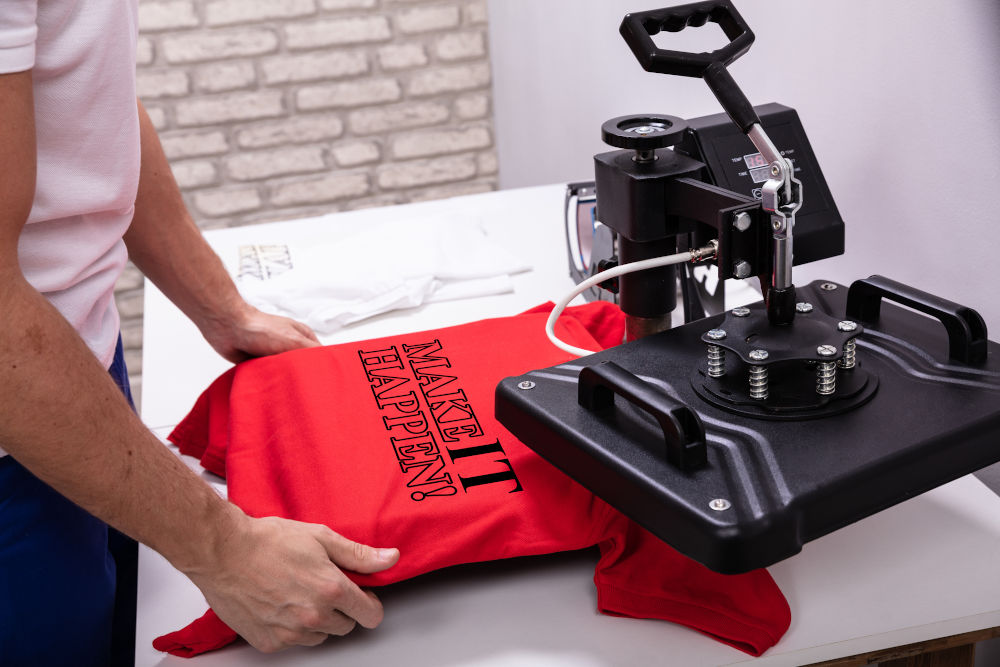
A good custom t-shirt design is simple, high-contrast, and sized correctly for its placement. The best prints use no more than 3–4 colours, avoid thin lines and tiny text that bleed when printed, and are supplied as vector files (AI, EPS, or SVG). Whether you're printing for a team, an event, or a brand — clarity beats complexity every time.
Most people spend hours choosing the perfect t-shirt colour and almost no time thinking about whether their design will actually print well. The result? Shirts that look great on screen and disappointing in person.
This guide covers the fundamental rules of custom t-shirt design — from file formats and colour counts to typography and print method — so your finished shirts look exactly as good as you imagined them.
RULE 01
Keep It Simple — less is almost always more
The most iconic t-shirt designs in history are simple: a bold graphic, a strong wordmark, or a clean illustration. Complexity looks impressive in a design file but turns muddy on fabric. Every element you add is another element that can go wrong in print.
Pro tip: If your design doesn't look strong at 50% opacity on a white background, simplify it before sending it to print.
RULE 02
Limit Your Colour Palette — 3–4 colours maximum for most print methods
Each colour in a screen print requires a separate screen, which means more cost and more opportunity for misregistration (slight misalignment between colour layers). DTG printing handles more colours, but designs with fewer, stronger colours still look sharper and more professional on fabric.
Pro tip: Ask your printer for a Pantone colour match if colour accuracy is critical — RGB and CMYK values shift under different inks and fabric types.
RULE 03
Use Vector Files — scalable art looks sharp at any size
A vector file (AI, EPS, or SVG) stores your artwork as mathematical paths, not pixels. This means it can be scaled from a 3-inch left chest print to a 13-inch back print without any loss of quality. Raster files (JPG, PNG, PSD) have fixed resolution — enlarge them and they pixelate.
Pro tip: No vector file? Send a PNG at 300 dpi minimum with a transparent background. Avoid JPEGs — the compression creates invisible artefacts that become visible under printing.
RULE 04
Respect Minimum Line & Text Size — fine detail disappears in print
A line that's 0.5pt wide in Illustrator will either disappear entirely or bleed into the surrounding colour when printed on fabric. As a rule of thumb: no lines thinner than 1pt, no text smaller than 8pt for screen print (10pt for embroidery). Script fonts and serif fonts with thin strokes are especially risky.
Pro tip: When in doubt, convert thin strokes to filled shapes — they hold up far better under the pressure and heat of printing.
RULE 05
Design for the Fabric Colour — your shirt colour is part of the design
Printing on a dark shirt is fundamentally different from printing on a white one. Dark shirt printing requires an underbase — a white layer beneath your colours — which slightly mutes vibrancy and adds cost. Some designers plan around the shirt colour deliberately, using it as a background element to reduce ink coverage and achieve a more vintage, worn-in look.
Pro tip: Always request a mockup on the actual shirt colour you've ordered — what looks great on white can look completely different on navy or black.
RULE 06
Leave Breathing Room — don't print edge to edge
A design that runs close to the edge of a shirt looks cramped and can be difficult to print consistently. Leave at least 1 inch of margin on all sides of your print area. For left chest logos, this happens naturally — but full front and full back designs often creep too close to the neckline, hem, or armholes.
Pro tip: Standard full-front print area is roughly 12 inches wide × 14 inches tall on an adult medium. Design within this box and your printer will thank you.
RULE 07
Test Readability at Print Size — what looks clear on screen may not read in print
Open your design file and scale it to the exact print dimensions. Then step back two feet and look at it. Can you read every word? Do the thinner elements still hold up? This is the most reliable way to catch readability problems before they become print problems.
Pro tip: Print a paper proof at 100% scale and lay it on the shirt before sending to production. Takes two minutes and catches most issues.
Your design choices should be informed by your print method — and vice versa. Here's a quick breakdown of the four most common methods and what they demand from your artwork:
| Print Method | Strength | Limitation | Best For |
|---|---|---|---|
| Screen Print | Vibrant, durable | Best for 1–4 solid colours, bulk orders | 100+ pieces, event merch, uniforms |
| DTG (Direct to Garment) | Full colour, photo-quality | No colour limit, short runs | 1–50 pieces, complex artwork |
| Embroidery | Premium, textured | Logo only; thick thread limits fine detail | Corporate, hats, polo shirts |
| Heat Transfer / Vinyl | Sharp edges, flexible | Less durable on repeated washing | Names/numbers, small batches |
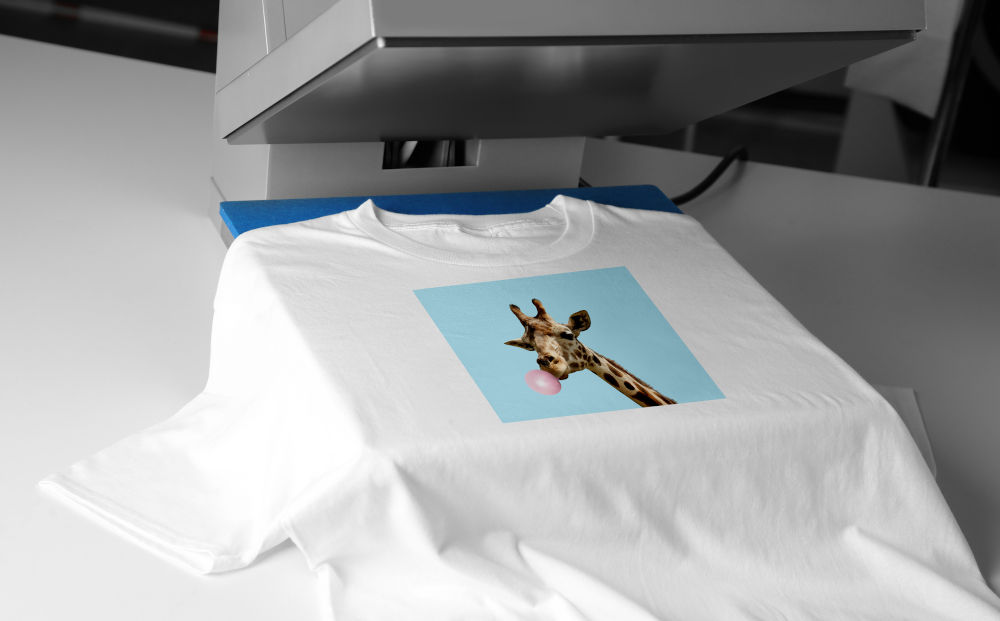
Bold and medium-weight fonts print far more reliably than light or thin ones. The ink spreads slightly during printing — thin letterforms absorb that spread and lose their shape. When in doubt, go one weight heavier than you think you need.
Anything below 8pt in screen print or 10pt in embroidery will either disappear or become an illegible blob. If your design needs small text (a website URL, a tagline), increase the weight and size, or consider removing it entirely — it rarely reads at wearing distance anyway.
Decorative scripts and serif fonts with hairline strokes are beautiful in design software and treacherous in print. If you're using them, outline all text, expand strokes to filled paths, and send the file to your printer for a production check before approving the full run.
Before submitting any file, convert all text to outlines (or paths). This eliminates font substitution issues — if your printer's computer doesn't have your font installed, outlined text ensures your lettering looks exactly as designed.
This is the single most common source of disappointment in custom t-shirt orders. Colours on screens are produced by light (RGB); colours in print are produced by ink on fabric. The translation between the two is never perfect.
On light shirts: Colours print close to what you see on screen, though slightly warmer and less saturated.
On dark shirts: All colours need an opaque white underbase, which changes how they mix with the fabric. Bright neons and pastels are especially tricky.
Fabric colour shifts everything: The same red ink prints differently on a natural cotton tee vs. a poly-blend because the fabric absorbs ink differently.
The safest approach: ask your printer for a Pantone-matched ink mix, request a physical strike-off (single printed sample) for colour-critical orders, and always approve a mockup before full production.
“The best custom t-shirt designs are made for the medium — not just copied from a screen. Design for ink on fabric, and everything else follows.” — Freshly Baked Tees Design Team
JPEGs are compressed — they look fine on screen but print with blocky artefacts, especially around text and sharp edges. Fix: always submit PNG or vector.
A 9-colour screen print costs significantly more than a 3-colour one and doesn't necessarily look better. Fix: reduce to 3–4 intentional colours with strong contrast.
Without outlined text, your font can be substituted by a different one at the printer's end. Fix: Object > Expand (Illustrator) or Text > Convert to Curves (Corel) before saving.
A logo designed at 1 inch looks very different at 12 inches. Fix: set your canvas to the exact print dimensions before you start.
A white background in a PNG file prints as a white box around your design — even on a white shirt, the edge is visible. Fix: export with transparency (PNG-24 with alpha channel).
Vector files — AI, EPS, or SVG — are the gold standard. They scale to any size without losing quality and give your printer the most flexibility. If you only have a raster file, submit a PNG at 300 dpi minimum with a transparent background. Avoid JPEGs entirely — the compression creates artefacts that show up in print.
For screen printing, 1–4 colours is the cost-effective sweet spot; each colour requires a separate screen. DTG (direct to garment) printing handles unlimited colours at no extra cost per colour, making it ideal for photographic or complex artwork. The practical advice regardless of method: fewer, stronger colours almost always look better on fabric than many weaker ones.
Yes, but it requires DTG printing and a high-quality source file (300 dpi at print size). Photos print better on light-coloured shirts — dark shirts require an underbase that can slightly reduce sharpness. High-contrast photos with strong darks and lights work better than soft, low-contrast images.
Screens use RGB light to display colour; printers use ink on fabric. The translation is never 1:1. Fabric absorbs ink and softens edges slightly; colours often print slightly warmer and less saturated than they appear on screen. For colour-critical orders, ask for a Pantone ink match and a physical strike-off sample before full production.
For screen printing: no smaller than 8pt, and use bold or medium weight fonts only. For embroidery: no smaller than 10pt, and avoid thin serif fonts and scripts entirely. For DTG: slightly more flexibility, but 7–8pt is still the practical floor. When in doubt, make it bigger — text on a shirt is read at arm's length, not screen distance.
Yes, always. Converting text to outlines (or paths) ensures your font renders exactly as designed, regardless of what fonts are installed on your printer's system. In Adobe Illustrator: Select All > Type > Create Outlines. In CorelDRAW: Select All > Text > Convert to Curves. Save a backup of the editable version first.
Screen printing uses physical screens to push ink through onto fabric — it's the most durable and cost-effective for bulk orders with 1–4 colours. DTG prints ink directly onto fabric like a large inkjet printer — it handles unlimited colours and is better for small runs and complex artwork. Screen print colours are more vibrant on dark shirts; DTG is more flexible but slightly less durable over many washes.

Discount code will be emailed to you right away